Knowing who is okay
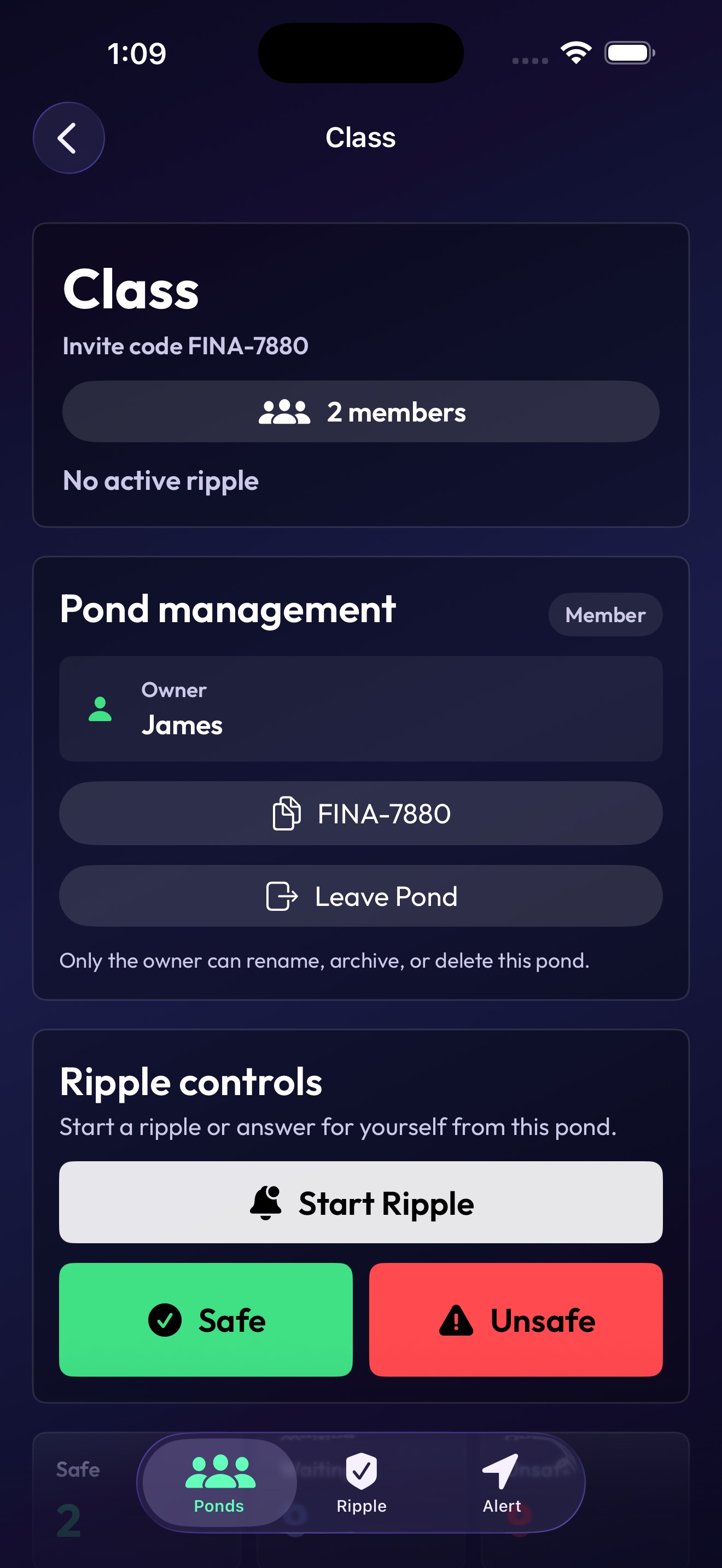
In urgent moments, group chats can become messy fast. RipplePond gives a trusted pond one clear place to see who is Safe, Pending, or Unsafe.
 RipplePond
Student-led safety coordination for iPhone
RipplePond helps families, close friends, classmates, and travel groups quickly check who is safe, who needs help, and who may be nearby during stressful moments.
What it solves
In urgent moments, group chats can become messy fast. RipplePond gives a trusted pond one clear place to see who is Safe, Pending, or Unsafe.
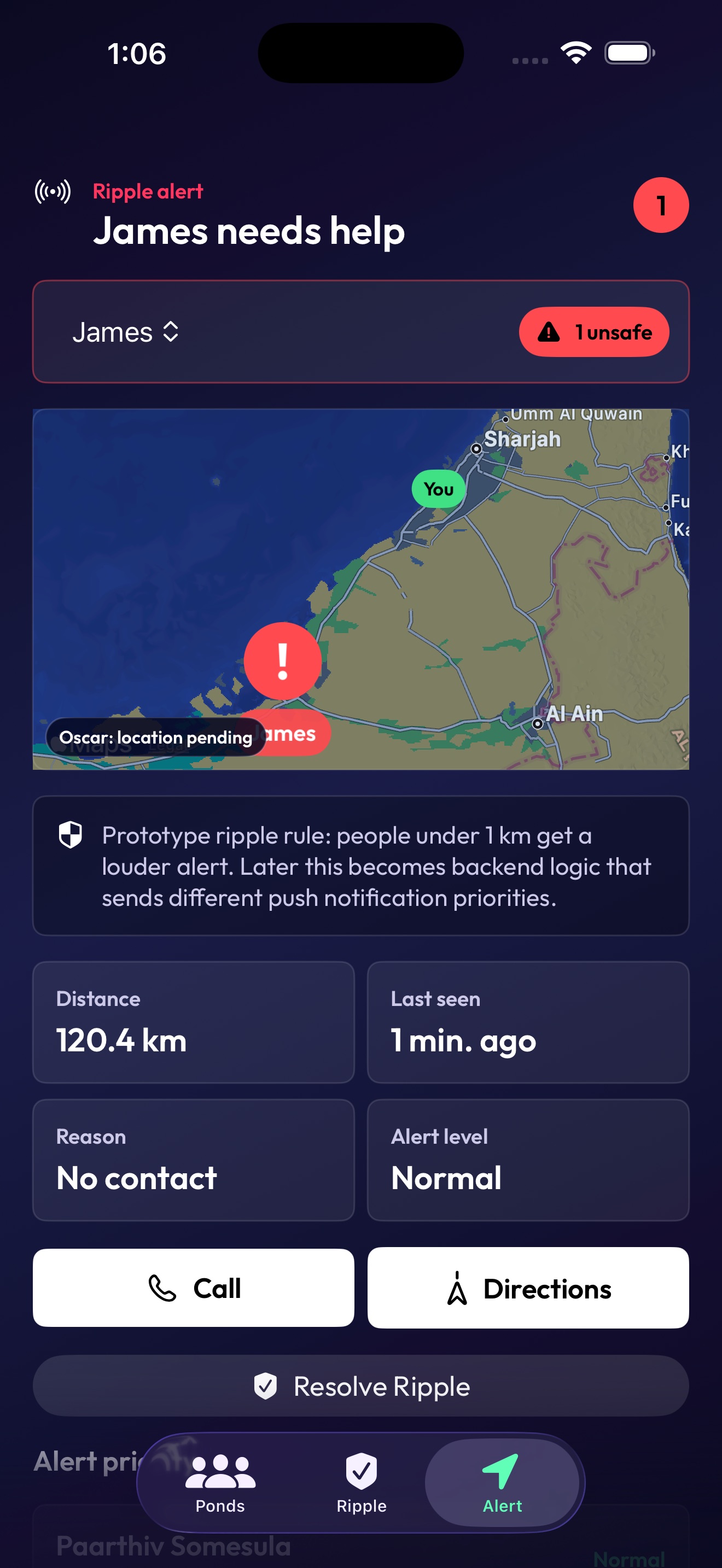
After emergency services are contacted, there can still be a gap before responders arrive. RipplePond helps nearby trusted people coordinate support during that time.
What RipplePond does
Make private groups for family, close friends, classmates, trips, or other people you trust.
Ask a pond to quickly respond Safe or Unsafe during a safety check-in.
Unsafe is one tap first. Details like Injured, Stuck, Vulnerable, or Medical issue can be added after.
During safety events, pond members can see shared location, distance, battery, and contact actions.
Support
For support, privacy requests, account deletion help, or launch feedback, email the developer. Include your device model, iOS version, and a short description of what happened.
Safety note
RipplePond does not contact police, ambulance, civil defense, campus security, or emergency services for you. If someone is in immediate danger, call local emergency services first.
Pond members may see your profile name, phone number if added, safety status, emergency detail, approximate location during safety events, emergency contacts during Unsafe reports, and presence information.
Notifications, Live Activities, widgets, battery status, maps, and location can be delayed, unavailable, or inaccurate because they depend on iOS, network access, device settings, and cloud delivery.
RipplePond uses location during active ripples and for 5 minutes after a direct Unsafe report when location sharing is enabled. Background updates may stop when iOS suspends the app.
You can delete your account from Account settings. Before deleting, archive ponds you own so important shared pond data is not stranded.
Privacy Policy
Sign-in provider, account email/name when available, profile name, phone number if added, pond memberships, invite codes, check-in status, Unsafe details, emergency contacts, notification token, battery percentage, presence timestamp, and approximate location during safety events.
Members of the same pond can see the profile, status, alert detail, distance/location availability, battery, and presence information needed to coordinate during ripples. If you mark Unsafe, they can also see saved emergency contacts so they can call on your behalf.
Location is intended for active ripples and the five-minute direct Unsafe window. You can turn location sharing off in the app, but maps, directions, and distance may be unavailable.
RipplePond stores notification tokens so Firebase and Apple Push Notification service can deliver ripple and Unsafe alerts to your devices.
RipplePond uses Firebase, Google Sign-In, Sign in with Apple, Apple Maps, and Apple notification services to provide authentication, sync, maps, and alerts.
Use Delete Account in the app's Account settings to remove the current Firebase account and clear local profile/contact data from the device. Pond ownership and shared records should be handled before deletion.
Developer
RipplePond is a high school student-made app designed to give families and close groups more peace of mind when safety matters most.